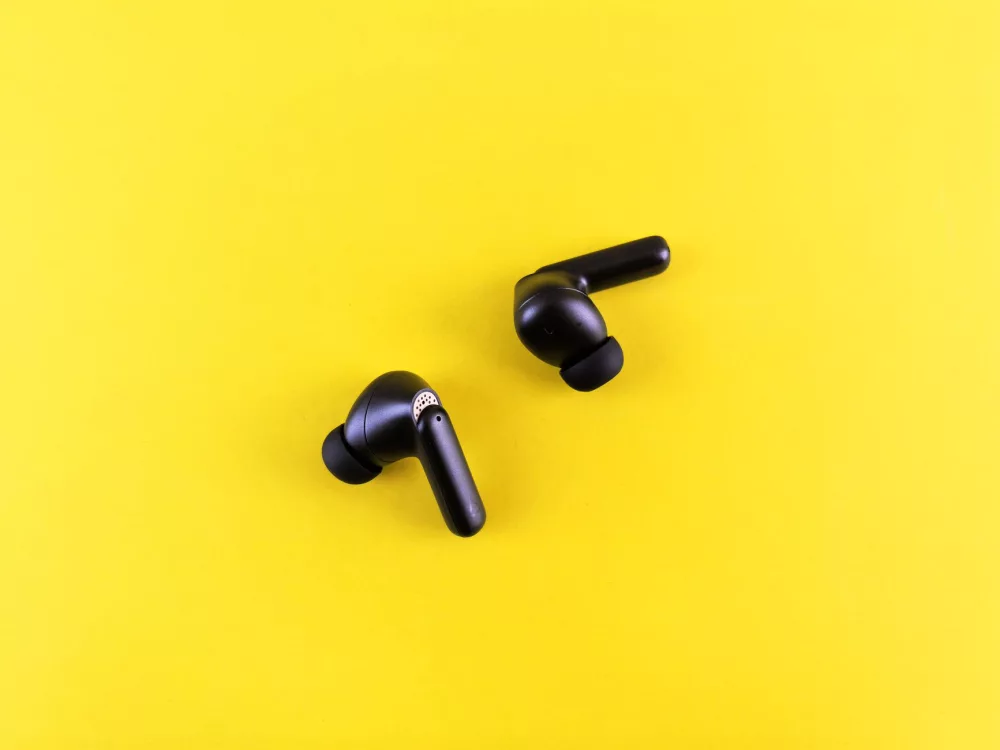
I've been there, staring at a brand-new pair of earbuds, excited to finally get my audio fix, only to feel a little lost when it comes to actually making them work. You know that feeling, right? It's like having a brand-new car but no key! Connecting earbuds, especially with the sheer variety of options out there today, can sometimes feel like a minor puzzle. But don't you worry, because in this extensive guide, I'm going to walk you through everything you need to know, from the simplest wired connections to the often-misunderstood world of Bluetooth pairing. My goal here is to demystify the process so you can get to enjoying your music, podcasts, or calls without any unnecessary hassle.
The Two Big Families: Wired vs. Wireless Earbuds
Before we even get into the nitty-gritty of connection steps, it's really helpful to understand the fundamental difference between the two main types of earbuds you'll encounter. This distinction often dictates the entire connection process.
Wired Earbuds: The Old Reliable
Ah, wired earbuds. They're like that dependable old friend who's always there for you. Their connection method is refreshingly straightforward: you just plug 'em in! Most wired earbuds come with a 3.5mm audio jack, which is that standard round plug you've probably seen a million times. It's been the industry standard for ages, and for good reason—it works, and it works reliably.
- Direct Connection: Simply insert the 3.5mm jack into the headphone port on your smartphone, tablet, laptop, or other audio device. It usually clicks into place, letting you know it's secure.
- Adapters: Now, here's a common modern twist. Many newer smartphones, especially iPhones and some Android models, have ditched the 3.5mm jack in favor of their charging port (Lightning for Apple, USB-C for many Androids). If you've got a pair of wired earbuds and a phone without a traditional headphone jack, you'll need an adapter. These little gadgets convert the 3.5mm plug to a Lightning or USB-C connector. They're usually inexpensive and can be found almost anywhere electronics are sold. Just plug the adapter into your phone, then plug your earbuds into the adapter. Easy peasy!
The beauty of wired earbuds is their simplicity. No batteries to charge, no pairing menus to navigate. Just plug and play. However, you're, well, wired. That cable can sometimes get in the way.
Wireless Earbuds: The Freedom Fighters (Mostly Bluetooth)
This is where things get a bit more interesting, and perhaps a touch more complicated for the uninitiated. The vast majority of wireless earbuds, including your beloved true wireless models (like AirPods or Galaxy Buds), connect using Bluetooth technology. Bluetooth allows devices to communicate over short distances without cables, giving you that wonderful feeling of freedom.
Connecting Bluetooth Earbuds: Your Step-by-Step Guide
This is probably why you're here, right? Let's get down to the brass tacks of pairing your wireless wonders. While there might be slight variations depending on your earbud brand and the device you're connecting to, the general principles remain pretty consistent.
Phase 1: Getting Your Earbuds Ready
Before you even touch your phone or laptop, there are a couple of crucial steps you need to take with your earbuds themselves.
- Charge Them Up: This might sound obvious, but it's often overlooked. Bluetooth earbuds need power to work and to enter pairing mode. Make sure they're sufficiently charged. Most come with a charging case; pop them in there for a bit. A low battery can actually prevent them from being discovered by other devices, which is super frustrating.
- Activate Pairing Mode: This is the golden ticket! Every pair of Bluetooth earbuds has a specific way to enter 'pairing mode' (sometimes called 'discovery mode'). This is essentially them saying,